










Create reusable product and service lines with consistent price, tax and currency.
Before you start
- Define whether the item is a product or service.
- Confirm price before tax and applicable tax rate.
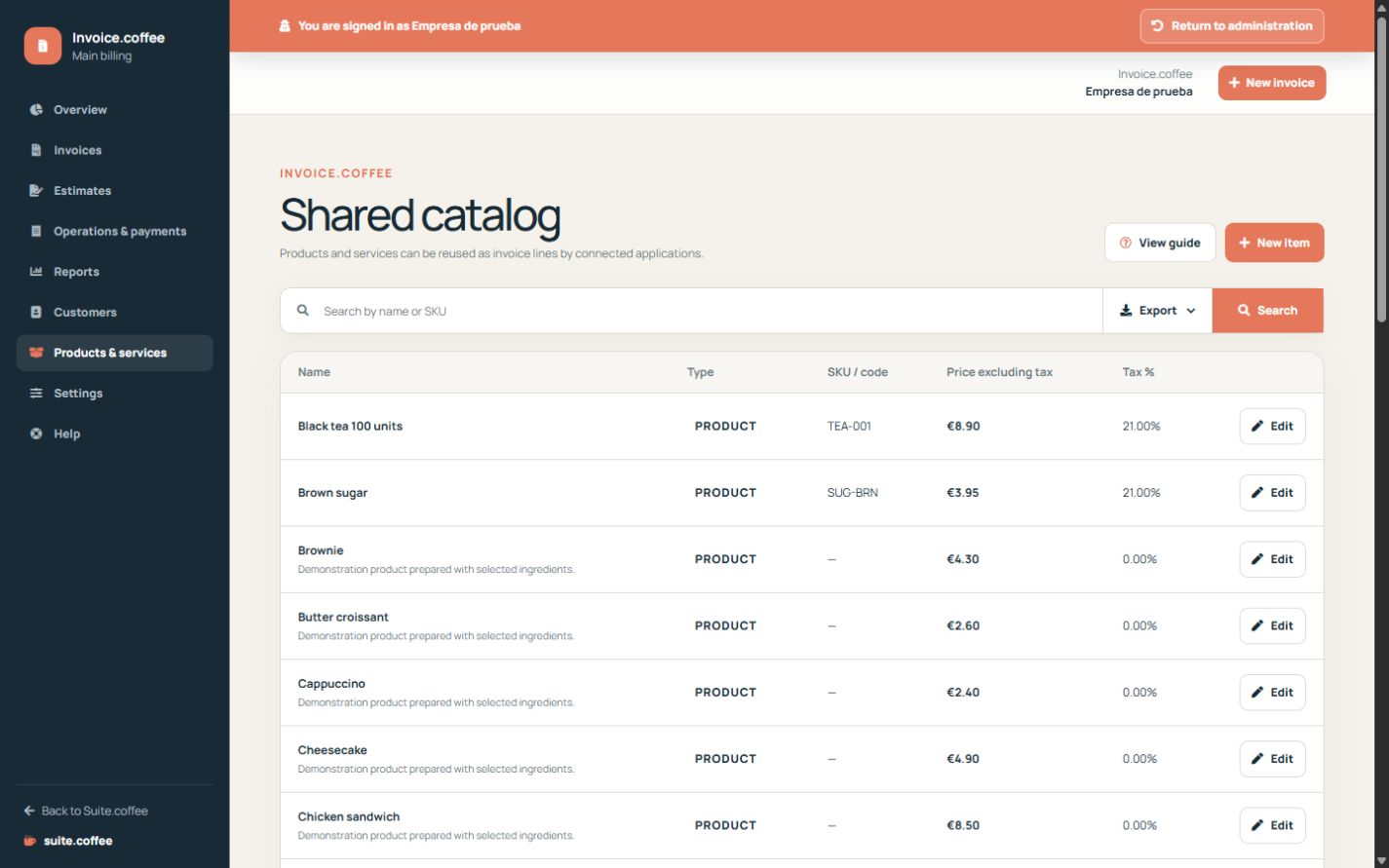
Create a reusable item
Choose product or service, then add a clear name, optional reference and description, unit price before tax and the applicable tax rate.
Check the currency
A catalogue item can only be selected when its currency matches the document. Changing the instance currency does not convert existing catalogue prices.
Reuse without losing the snapshot
Selecting an item copies its current values into the draft line. Later catalogue edits do not alter documents that already contain that line.
Step by step
- Open Products & services.
- Create an item with a clear name and optional reference.
- Add description, unit price and tax rate.
- Confirm currency and active status.
- Select it in a draft and review the copied line.
Final check
- Price and tax are correct.
- Currency matches the intended document.
- Inactive items are not offered in new drafts.
Tip: Later catalogue edits do not alter lines already copied into documents.