










Maintain reliable billing identities without duplicating customers shared by connected services.
Before you start
- Search by name, email and tax identifier.
- Collect the billing address and preferred language.
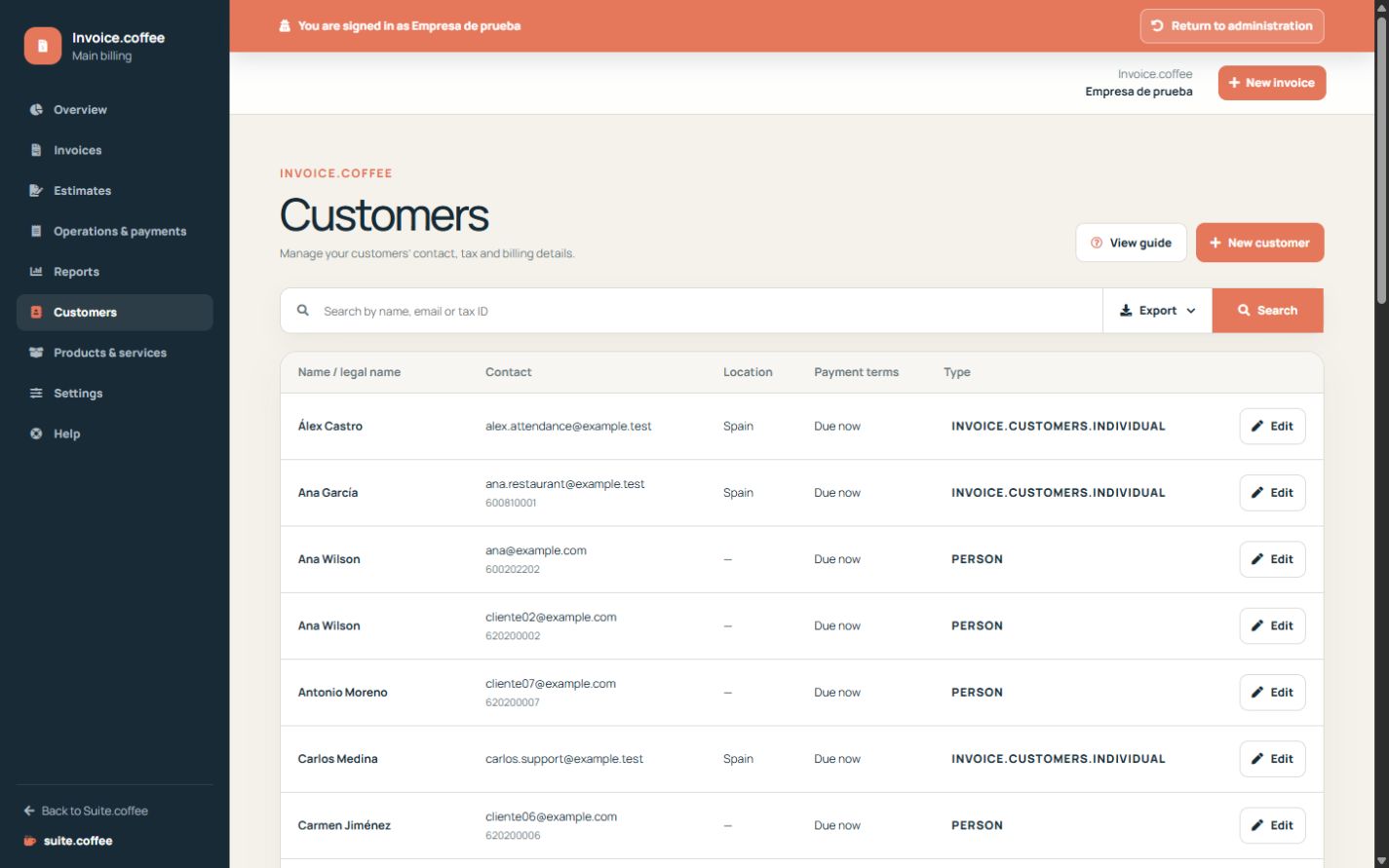
Search before creating
Customers are shared within the organisation and may come from connected services. Search by name, email or tax identifier before creating a duplicate.
Complete billing details
Choose person or company and record the legal name, tax identifier, address, country, region and preferred language. Review these values before creating a document.
Understand snapshots
Editing the customer updates the reusable profile. It does not rewrite customer data already frozen in an issued invoice or a sent estimate.
Step by step
- Open Customers and search first.
- Create or edit the correct person or company.
- Complete legal name, tax identifier and contact.
- Set address, country, region and language.
- Save and review before using the customer in a document.
Final check
- No duplicate identity was created.
- Fiscal and address data are current.
- The preferred language is intentional.
Tip: Editing the profile does not change recipient data frozen in sent or issued documents.