










Prepare a correct draft and use issue as the deliberate point that freezes the definitive invoice.
Before you start
- Verify issuer and billing customer data.
- Prepare lines, dates, taxes and payment terms.
Build the draft
Select a billing customer and add catalogue or manual lines. Review quantity, unit price, discount, tax, currency, invoice date, due date and notes before saving.
Check before issuing
A draft remains editable. Issuing consumes the monthly issue capacity, assigns the next series number and freezes issuer, recipient, lines, taxes and totals. Treat the confirmation as the final review point.
Use the document exports
Open the issued invoice to print or export the complete snapshot in the available formats. XML is the Suite structured format and must not be treated as Facturae.
Step by step
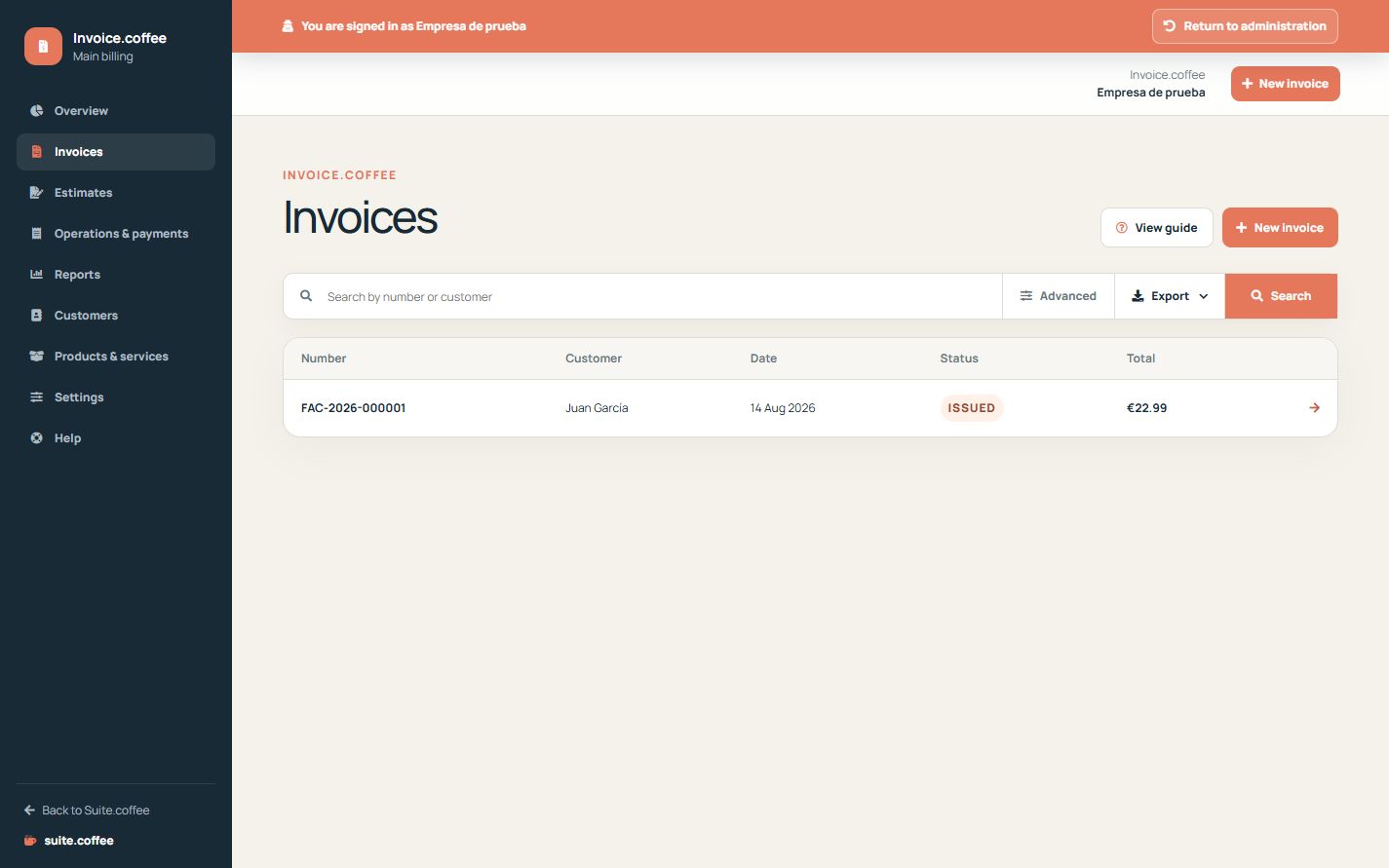
- Open Invoices and create a draft.
- Select the customer and add catalogue or manual lines.
- Review quantities, prices, discounts, taxes and currency.
- Check invoice and due dates, notes and totals.
- Issue only after the final review, then print or export the snapshot.
Final check
- Recipient and issuer data are correct.
- Totals and due date have been checked.
- The definitive number is assigned only once.
Tip: The Suite XML export is structured data, not the Facturae format.