










Build a clear proposal, freeze the sent version and preserve every later revision.
Before you start
- Prepare the customer and commercial lines.
- Agree validity, terms and decision workflow.
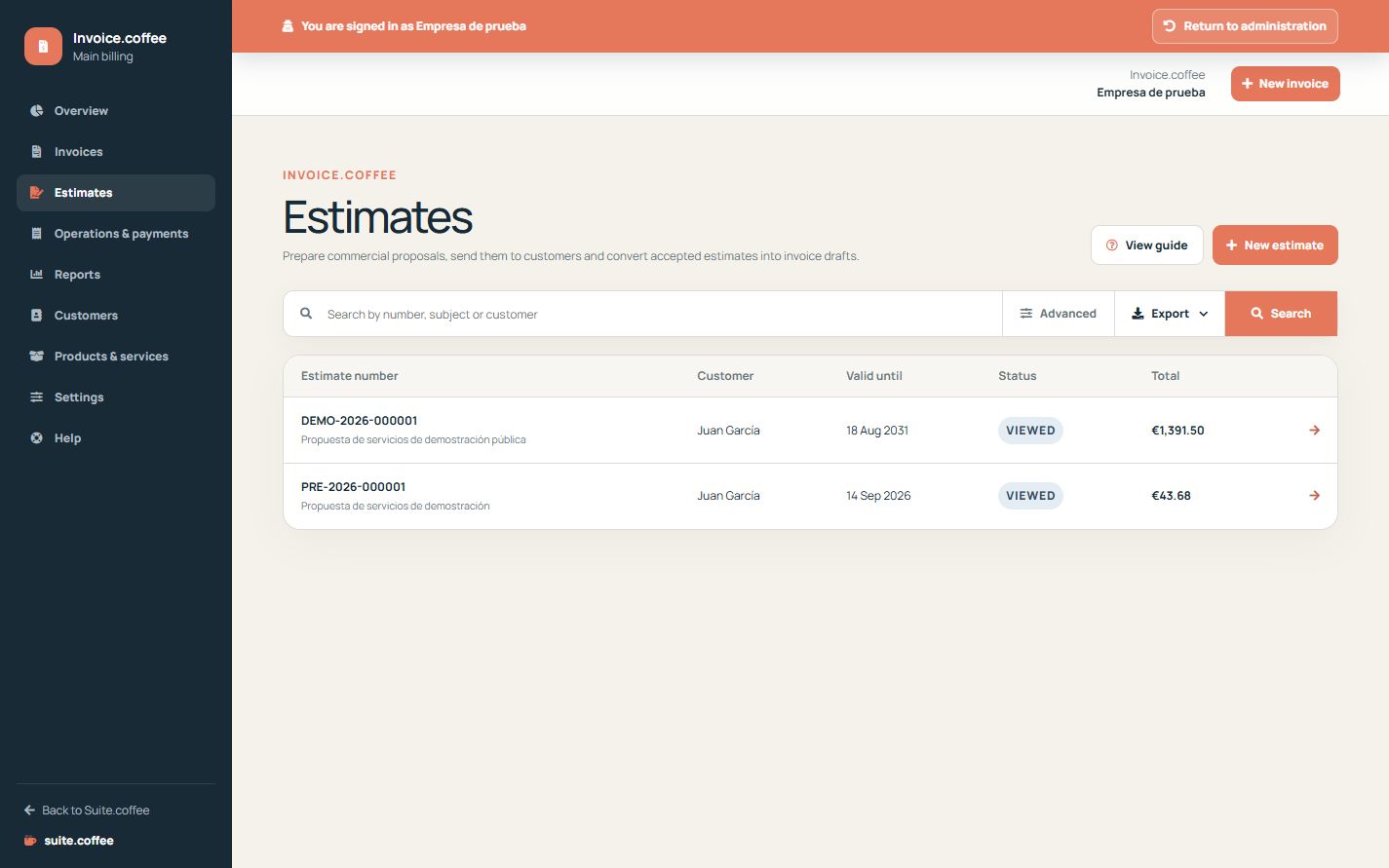
Prepare the draft
Select the customer, add subject, validity, terms and at least one line. Only an unnumbered draft remains editable or can be deleted.
Send and freeze the proposal
Sending assigns the definitive estimate number, freezes the commercial snapshot and emails a private response link. The customer can view, accept or reject while the proposal remains eligible.
Revise or convert
Create a new revision when a sent proposal must change; do not overwrite the frozen version. Only an accepted estimate can be converted, and conversion creates a linked invoice draft rather than issuing it automatically.
Step by step
- Open Estimates and create a draft.
- Select customer and add title, validity, terms and lines.
- Review totals and send to assign the definitive number.
- Follow the private accept or reject response.
- Create a revision when needed or convert an accepted estimate to an invoice draft.
Final check
- The sent proposal is no longer overwritten.
- Validity and private link are correct.
- Conversion creates one linked draft only.
Tip: Conversion does not issue the invoice automatically; review the new draft separately.